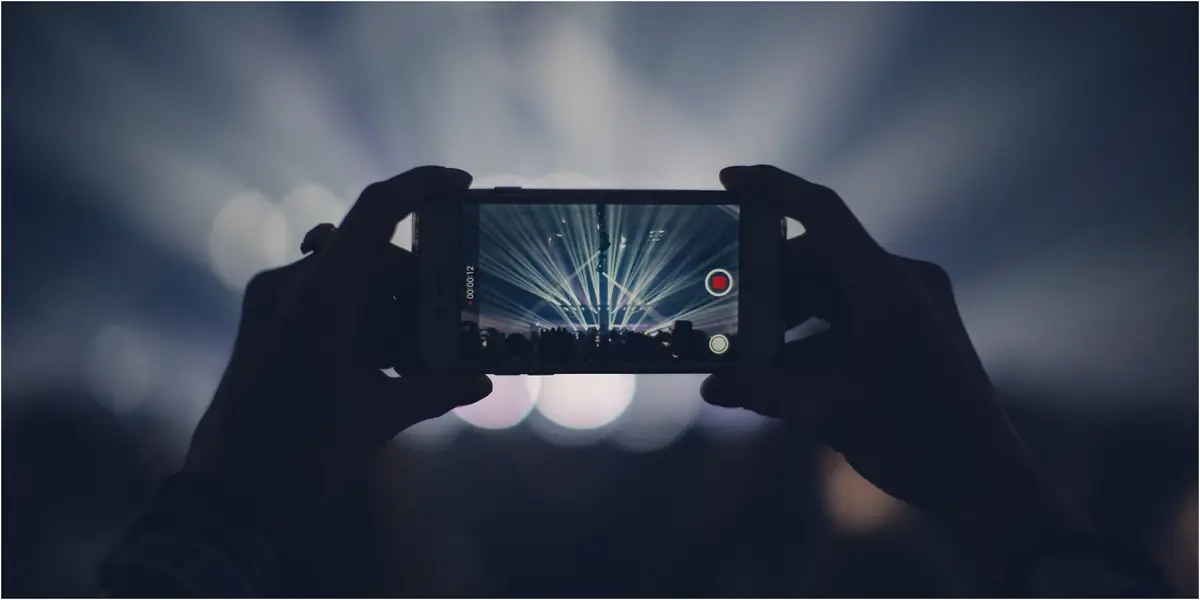
Apple has, without an iota of doubt, always exceeded our expectations when it comes to the iPhone’s camera quality. Users do not just use the iPhone to click pictures, but many vloggers and filmmakers have started using the iPhone’s impeccable camera for videomaking. However, filmmaking with the iPhone can be quite a challenge especially if you’re not aware of the right tricks and techniques that are required to shoot in low light. This is why we bring the most effective and tested techniques and hacks that you can implement while shooting in low light, especially during the nighttime.
Window Light for Indoors
If you’re shooting in dark indoors during the daytime, one of the best ways to utilize the sunlight is to shoot near the windows and place your iPhone in the opposite direction so that you can get the perfect shot. Another trick that you can use to add a more dramatic effect is to bring the window in the frame and stand in front to allow a more cinematic effect by showing the rays come in.
Night Mode
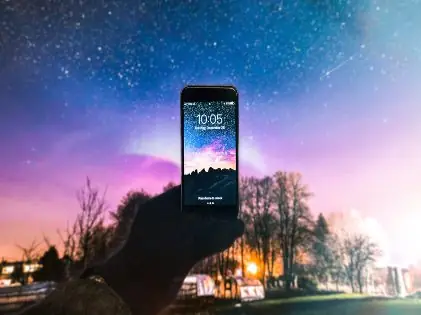
The night mode, as the name suggests, has been introduced by Apple to allow the users to shoot to capture images during nighttime. You can see the night mode option on your screen after opening the camera app on your iPhone. The night mode icon looks like a crescent, and it reduces the darkness and allows users to capture clearer and more defined images in low light. This has proven to be a very effective feature for filmmakers and bloggers alike.
Steady Grip
Keeping your phone steady and still while shooting in low light on your iPhone is, perhaps, one of the most important things you can do as an iPhone filmmaker. This is because the iPhone’s shutter speed slows down while shooting in low light. This means that the time in which the light meets the camera’s sensor is shortened. Thus, if you do not keep your iPhone steady then you will get blurry pictures and grainy videos.
This technique is also referred to as stabilizing the iPhone. This can also be done by investing in a gorilla pod or tripod or placing your iPhone in a place where it will remain steady
Avoid Zooming In
No matter how advanced or immaculate you think the iPhone’s camera is, it’s still a smartphone camera and not a professional camera. Therefore, it is better to zoom the video by walking towards the object and not by actually zooming in by tapping on the screen. This is because if you zoom in low light, you will surely get extremely grainy and sometimes even blurry images and videos.
Shoot in HDR
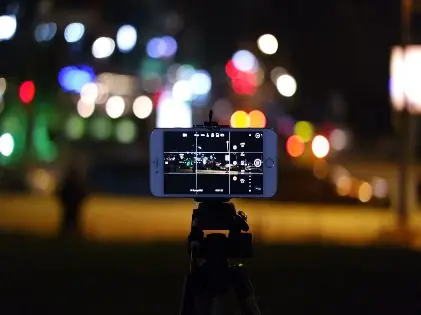
HDR is short for High-definition resolution, and it is a feature that has been launched by Apple to allow iPhone users to shoot or film in high resolution. By selecting the HDR effect you get relatively clearer and sharper images with a better color resolution.
Post-Production
Even if you shoot your videos in daylight and with a professional camera, postproduction will always remain an important aspect of filmmaking. Since you’re shooting in low light, it is advisable to add blue filters or highlights and effects that will give your video the color pop it’s lacking.
Black and White
Shooting in low light, especially on a camera phone compromises the color scheme. This is why many filmmakers convert the videos to black and white to make the whole video experience vintage and classy while also keeping the video quality intact.
Use Flash
This is the last but the most important trick of all. To make up for the lack of light while shooting in the dark, the most obvious technique is to use flash. Therefore, use your iPhone’s flash while shooting.
However, while shooting with the flash it’s important to stabilize your iPhone otherwise the camera will lose focus and you will end up with an extremely blurry and out-of-focus video. You can also use ring lights while shooting close-up shots to give the video more color and clarity.
Filmmaking on your iPhone is one of the most enriching experiences for people who have got a strong knack for videomaking yet lack the resources to invest in a professional camera. By implementing these techniques, you will surely experience a significant change in the videos shot on your iPhone.